How to Change Your Minecraft Name on Java and Bedrock
On Java, change your profile name free at minecraft.net once every 30 days. On Bedrock, your name is your Xbox gamertag. Steps for both editions.
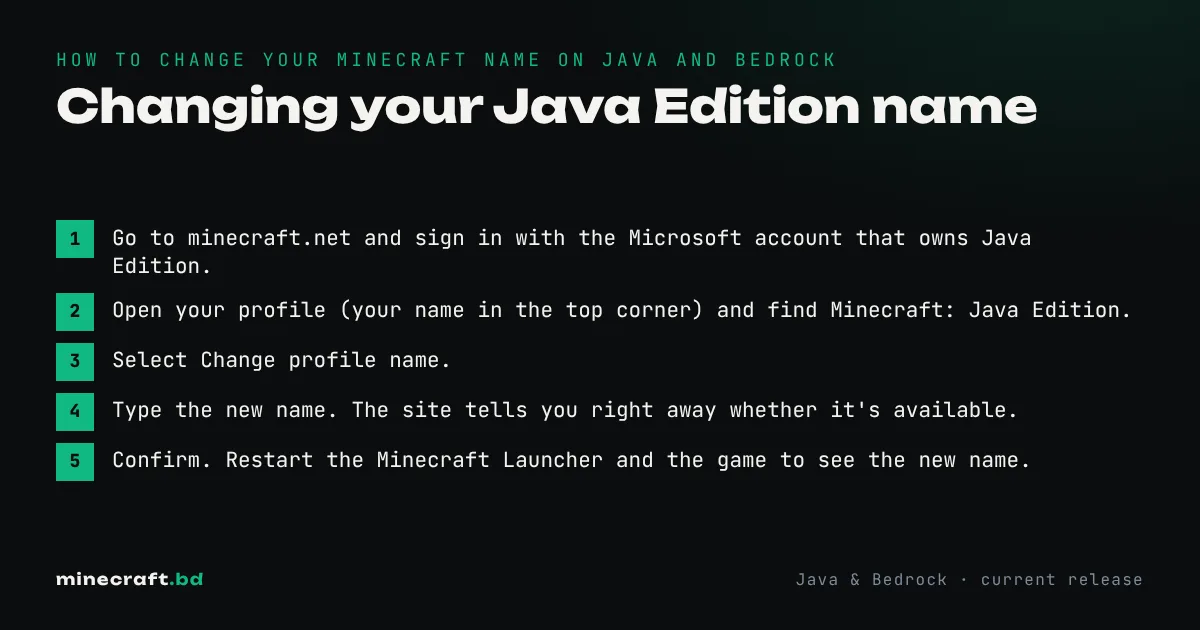
On Java, sign in at minecraft.net, open your profile and choose Change profile name. It’s free, and you can do it once every 30 days. On Bedrock (phones, consoles, Windows), your in-game name is your Xbox gamertag, so you change it through your Xbox profile. The first gamertag change is free; later ones cost money.
The two names are separate. Changing one doesn’t touch the other, even though both live on the same Microsoft account.
Changing your Java Edition name
- Go to minecraft.net and sign in with the Microsoft account that owns Java Edition.
- Open your profile (your name in the top corner) and find Minecraft: Java Edition.
- Select Change profile name.
- Type the new name. The site tells you right away whether it’s available.
- Confirm. Restart the Minecraft Launcher and the game to see the new name.
The rules:
- 3 to 16 characters, letters (A to Z), numbers and the _ character only. No spaces.
- Once every 30 days. The countdown starts from your last change.
- Free. There’s no charge for Java name changes.
- Your old name is held for 37 days. During that time only you can take it back. After that, anyone can claim it.
Some servers and friends lists take a little while to show the new name. If a server you play on uses name-based whitelists or permissions, ask an admin to update them, or you might be locked out when you join the server again.
Changing your Bedrock name
Bedrock uses your Xbox gamertag on every platform, including PlayStation, Switch and phones. To change it:
- On an Xbox: press the Xbox button, go to your profile, select My profile > Customize profile, then select your gamertag to edit it.
- On a PC or phone: sign in to your Xbox profile on the Xbox website (or in the Xbox app), open the gamertag settings and enter the new name.
Gamertags can include a number suffix (shown as a # tag) if the name you want is already taken, which makes most names possible. Inside Minecraft, the change shows up the next time you sign in.
Cost: if you’ve never changed your gamertag, the first change is free. After that, Microsoft charges for each change, US$9.99 when we checked in November 2026. The price is shown in your local currency before you pay.
Changing the name without changing your gamertag
If you play offline on a phone or tablet, you can sign out of your Microsoft account and set any name of 3 to 32 characters in Settings > Profile. You can’t play online multiplayer, use Realms or join featured servers while signed out, so for most people this isn’t worth it.
Things a name change doesn’t change
- Skins and capes. Your Java skin and any capes stay on your profile. Our skin guide covers changing how you look.
- Purchases and worlds. Everything is tied to the account, not the name.
- Account email or password. Those are Microsoft account settings, unrelated to your profile name.
If the problem is bigger than a name, like an old Mojang account you can’t sign in to or a game missing from your account, start with account recovery instead. The accounts hub has everything else about Minecraft accounts.
Common questions
How often can you change your Minecraft Java name?
Once every 30 days. The change is free and is made from your profile on minecraft.net.
Does changing my name lose my worlds or items?
No. Your account is tracked by a hidden ID, not your name, so worlds, skins, capes and most server data stay with you. A few older servers and plugins that store players by name may treat you as new.
Is it free to change your name on Bedrock?
Your first Xbox gamertag change is free. After that Microsoft charges a fee, US$9.99 at the time of checking (November 2026); the local price shows before you confirm.
Can I get my old Java name back?
Yes, if you change back before someone else claims it. Your old name is held for you for 37 days after a change.
Sources & verification
Facts on this page are checked against these references and in-game behavior for the stated edition(s). how we verify.
Keep reading