Is Minecraft Safe for Kids? Ratings, Settings and Costs
Minecraft is rated PEGI 7 and ESRB E10+, with no gore or loot boxes. The real risk is online strangers. Family settings to turn on, costs, screen time.
Minecraft is rated PEGI 7 in Europe and ESRB E10+ in North America, and it’s one of the safer popular games for children. The game itself has no gore, no gambling and no loot boxes. The risks come from playing online with strangers, and you can control that with a child account and a few settings.
What Minecraft is like for kids
Your child explores a world made of blocks, gathers materials and builds. In Survival mode, monsters come out at night and the player fights them with swords and bows. Defeated mobs fall over and vanish in a puff of smoke; there’s no blood. Some players find the cave sounds and the warden in the Deep Dark genuinely scary, so younger kids may prefer Creative mode or Peaceful difficulty, where hostile mobs don’t spawn.
If you’ve never seen it, our short what is Minecraft page explains the basics in five minutes.
Where the real risks are
Single-player Minecraft is a closed world. Nobody can talk to your child, and there’s nothing to buy on Java Edition.
Things change online:
- Public servers are run by companies and individuals, not Mojang. Chat quality depends on how well they’re moderated.
- Friends of friends can join worlds, and in-game chat isn’t filtered the same way everywhere.
- Scams target kids with “free Minecoins,” “free capes” or “rare accounts.” Teach your child that nobody legitimate asks for a password.
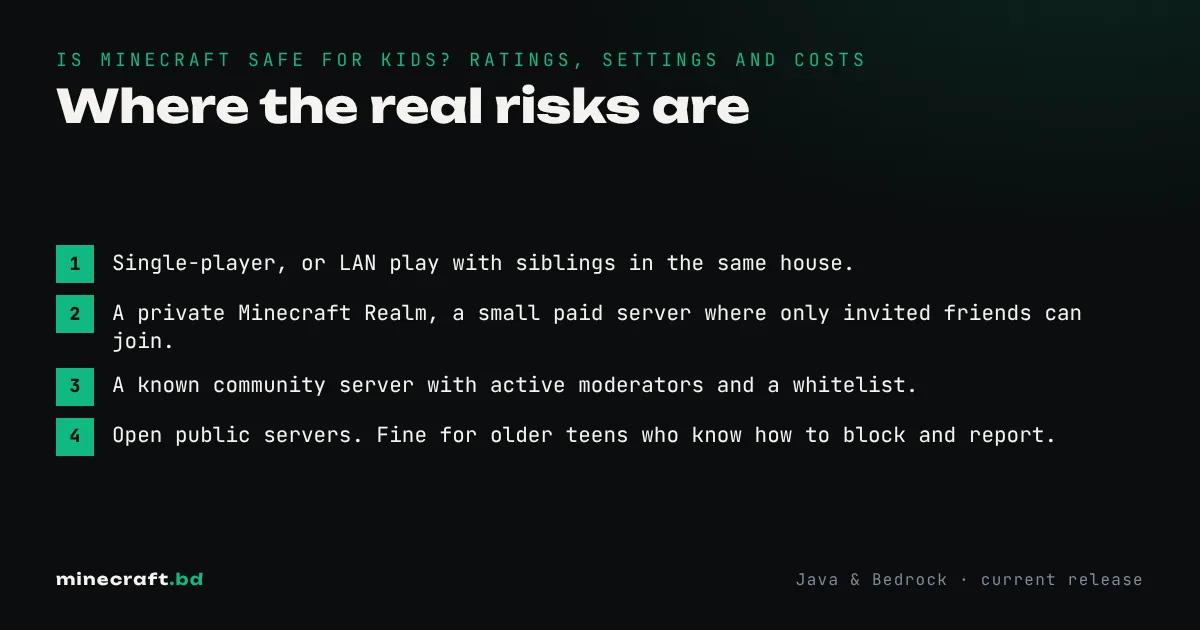
The safest setups, from most to least controlled:
- Single-player, or LAN play with siblings in the same house.
- A private Minecraft Realm, a small paid server where only invited friends can join.
- A known community server with active moderators and a whitelist.
- Open public servers. Fine for older teens who know how to block and report.
The settings to turn on
Every Minecraft player signs in with a Microsoft account. Create a child account inside a Microsoft family group (through Microsoft Family Safety). From there you can:
- Allow or block online multiplayer.
- Limit chat to friends or turn it off.
- Require approval for purchases, or set a spending limit.
- Set screen-time limits on Windows and Xbox.
Consoles have their own controls as well: PlayStation and Nintendo Switch parental controls also limit online play and spending. Turn them on before the first session; it’s much harder to take a freedom away than not to give it.
What it costs
Minecraft is a one-time purchase. The Minecraft price guide lists current official prices per platform, and families in Bangladesh can check the Bangladesh price page for local payment options.
After that, everything is optional:
- Realms, a monthly subscription for a private server.
- Marketplace (Bedrock only), skins and worlds bought with Minecoins.
- Game Pass on Xbox and PC includes Minecraft as part of a subscription.
There are no ads in the game and no randomized paid rewards.
Screen time
Minecraft has no daily rewards or streaks that pull kids back. The pull is the projects themselves: “just let me finish this house.” Agreeing on a stopping point before the session starts (end of the in-game day, or once the roof is on) usually works better than a timer going off mid-build.
Minecraft in school
Many schools use Minecraft Education, a version made for classrooms, with lessons in coding, math, science and history. If your child’s school uses it, they’ll sign in with their school account, not a home one.
Comparing it with the other game every child asks for? Our Minecraft vs Roblox page covers cost and safety side by side.
Common questions
Is Minecraft OK for a 6-year-old?
For most families, yes, played offline or with known friends. PEGI rates it 7 and ESRB E10+, mostly for cartoon combat with monsters. Creative mode and Peaceful difficulty remove the scary parts entirely.
Can strangers talk to my child in Minecraft?
Only in online multiplayer. Single-player worlds have no chat with strangers. You can block or limit multiplayer and chat through the child's Microsoft account family settings or the console's parental controls.
Does Minecraft have in-game purchases?
Java Edition has none. Bedrock Edition has the optional Marketplace, which sells skins and worlds for Minecoins bought with real money. Purchases can be blocked or require approval through Microsoft family settings.
Sources & verification
Facts on this page are checked against these references and in-game behavior for the stated edition(s). how we verify.
Keep reading