WorldEdit Guide: Installing It and the Commands You'll Use
WorldEdit is a free map editor for Minecraft Java. Install it as a Fabric or NeoForge mod or Paper plugin, select with the wand, then //set and //copy.
WorldEdit is a free in-game map editor for Minecraft Java Edition. You mark two corners of a region with a wooden axe, then reshape everything inside with one command: fill it, replace blocks, copy and paste it, or wrap it in walls. It runs as a mod for single-player (Fabric or NeoForge) or as a plugin on Paper and other Bukkit-based servers. It’s made by EngineHub, which also makes WorldGuard.
Installing WorldEdit
Single-player: install a mod loader (see how to install Minecraft mods), download the WorldEdit build for your exact Minecraft version and loader from EngineHub, Modrinth or CurseForge, and put it in mods. You need cheats enabled in the world, or to be an operator, to use it.
Server: drop the WorldEdit plugin .jar into the plugins folder of a Paper server and restart. Give yourself access with op or with a permissions plugin. Our server setup guide covers getting Paper running.
WorldEdit releases builds per Minecraft version. If the game updates, wait for a matching WorldEdit before updating your world.
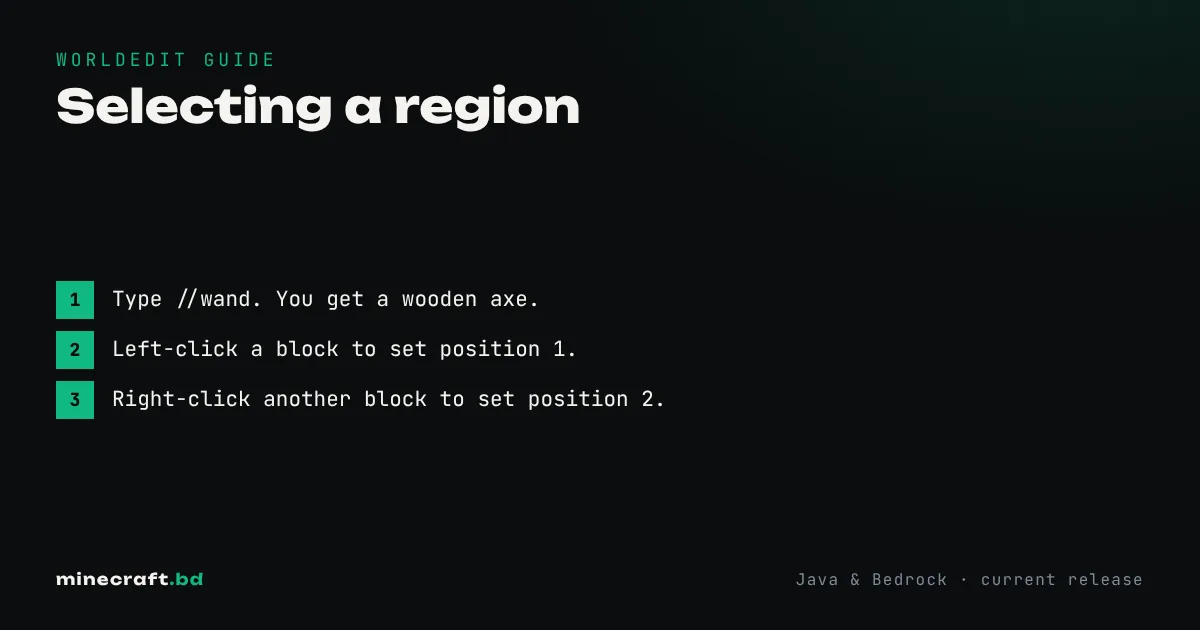
Selecting a region
- Type
//wand. You get a wooden axe. - Left-click a block to set position 1.
- Right-click another block to set position 2.
The selection is the box between those two corners. Note the double slash: WorldEdit commands start with // so they don’t clash with vanilla ones. //pos1 and //pos2 set corners at your feet if you can’t reach a block.
The commands you’ll use most
| Command | What it does |
|---|---|
//set stone |
Fills the whole selection with stone. //set air clears it. |
//replace dirt grass_block |
Swaps every dirt block in the selection for grass. |
//walls stone_bricks |
Builds walls around the four sides of the selection. |
//copy then //paste |
Copies the selection relative to where you stand, then pastes it relative to where you stand now. |
//paste -a |
Pastes without the air blocks, so it doesn’t erase what’s already there. |
//rotate 90 |
Rotates the copied clipboard before you paste. |
//sphere glass 10 |
A solid glass sphere with radius 10 around you. //hsphere makes it hollow. |
//cyl stone 8 |
A cylinder with radius 8. Handy for round towers. |
//undo / //redo |
Steps back or forward through your edits. |
Block names use the game’s IDs, so oak_planks, not “oak wood planks”. You can also give a mix with percentages: //set 50%stone,50%cobblestone gives a speckled floor.
If you prefer to build curves by hand, our circle guide shows the block patterns; //sphere and //cyl do the same job instantly.
WorldEdit vs /fill
Vanilla /fill and /clone can do the basics on both editions without any mods. WorldEdit adds what vanilla can’t: undo, copy and paste with rotation, shapes, block mixes, and selections much larger than vanilla’s /fill limit of 32,768 blocks.
Don’t crash your server
Big edits load and change a lot of chunks at once. On a small server, a selection of several million blocks can freeze it for a while or crash it outright. Work in sections, keep //undo in mind, and back up before giant terraforming jobs. Admins can cap selection size in WorldEdit’s config file.
WorldEdit isn’t a cheat you can use on public servers. It only works where the server owner installed it and gave you permission. For more Java tools and mods, head back to the mods hub.
Common questions
Does WorldEdit work on Bedrock?
No, WorldEdit is Java only. On Bedrock, the closest built-in tools are the /fill and /clone commands and structure blocks.
Can I use WorldEdit on any server?
Only if the server runs the WorldEdit plugin and gives you permission. Installing the mod on your own client does nothing on someone else's server.
How do I undo a WorldEdit mistake?
Type //undo. It reverses your last edit, and you can repeat it to step back further. //redo puts it back.
Sources & verification
Facts on this page are checked against these references and in-game behavior for the stated edition(s). how we verify.
Keep reading