How to Turn Off PvP in Minecraft: Java, Bedrock, Realms
Run /gamerule pvp false on Java or Bedrock, or switch off Friendly Fire in Bedrock settings. How to turn off PvP in Minecraft on Realms, teams and servers.
Use the pvp game rule: run /gamerule pvp false in any world or server where you have cheats or operator rights. That works on both Java and Bedrock. On Bedrock you can also turn off Friendly Fire in the world’s Multiplayer settings, which flips the same rule without typing anything.
One thing has changed for Java server owners: the old pvp=false line in server.properties no longer exists. Java 1.21.9 replaced it with the game rule, so older guides that tell you to edit that file are out of date.
Turn off PvP on Java Edition
Single-player and LAN worlds
Java worlds are single-player by default, so PvP only matters once you open the world to LAN or host friends. Two ways to turn it off:
- World Options screen (Java 26.1 and later): open the pause menu, go to the world options, find the
pvprule and switch it off. - Command: with cheats on, type
/gamerule pvp false. Turn it back on with/gamerule pvp true.
If you opened a world to LAN without cheats, use the World Options screen, or set Allow Cheats to ON in the Open to LAN screen next time.
On a server you run
Start the server, then type gamerule pvp false into the server console (no slash needed there), or run /gamerule pvp false in game as an operator. Game rules are saved with the world, so it stays off after restarts. If you followed our server setup guide and your server is older than 1.21.9, the pvp=false line in server.properties still applies to that older version.
Turning off friendly fire for teams
If you want PvP on, but not between teammates, use scoreboard teams instead:
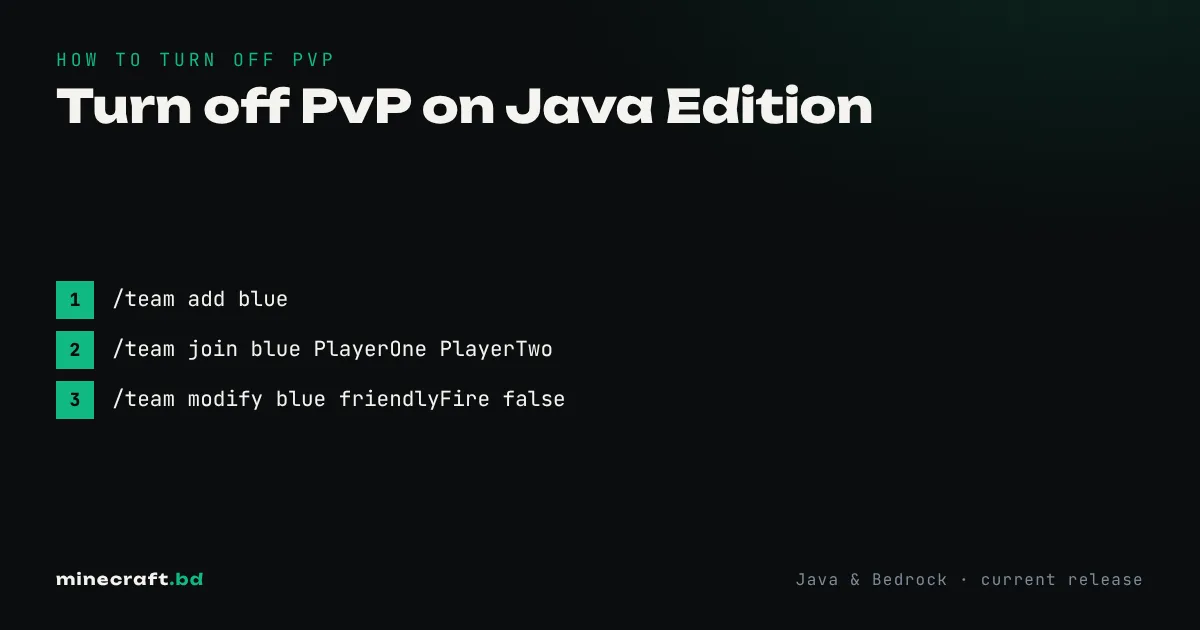
/team add blue/team join blue PlayerOne PlayerTwo/team modify blue friendlyFire false
Players on the same team can’t hurt each other, while everyone else can still fight. This is how most minigame maps do team modes. The full list of commands is in our commands reference.
Turn off PvP on Bedrock Edition
Bedrock has the same pvp rule, but it’s easier to change through the menus:
- On the world list, select the pencil icon next to your world (or open Settings from the pause menu while in it).
- Go to Multiplayer.
- Turn off Friendly Fire.
Despite the name, Friendly Fire is a general PvP switch, not a team setting. With it off, nobody in the world can damage another player. It doesn’t need cheats.
You can also do it per player. In the pause menu, open the player list, choose a player and set their permission to Visitor, or use Custom and turn off Attack players. That’s useful if you want to stop one person from fighting without changing the rules for everyone.
On a Bedrock Dedicated Server, there’s no PvP line in server.properties. An operator runs /gamerule pvp false, either in game or in the server console.
Realms
Realms owners can do it on either edition:
- Bedrock Realms: edit the Realm’s world settings and turn off Friendly Fire, the same as a local world.
- Java Realms: the Realm owner is an operator by default, so run
/gamerule pvp falsein game. It stays set for that world slot. Each of the three world slots has its own game rules, so set it again if you switch slots.
Plugin servers
Paper and Spigot servers use the same vanilla rule, but most public servers control PvP with plugins so it can differ by area:
- WorldGuard:
/rg flag <region> pvp denymakes a protected spawn area safe while PvP stays on elsewhere. - Essentials and similar plugins often have a per-player PvP toggle.
- Land-claim plugins (GriefPrevention, Lands and others) usually block PvP inside claims by default.
If you’re a player on someone else’s server and you can’t find a way to turn PvP off, that’s by design. Ask an admin, or check the server’s rules; SMP servers usually spell out where fighting is allowed.
What “off” actually blocks
With the rule off, players can’t hurt each other with weapons, fists, arrows, tridents or thrown potions. Indirect damage still works. Someone can still push you into lava with a piston or light TNT next to you. On a public server that relies on the game rule alone, griefers sometimes use those tricks, which is one reason serious servers add claim plugins on top. If you’d rather get better at fighting than switch it off, see our PvP tips.
Common questions
What is the command to turn off PvP in Minecraft?
Run /gamerule pvp false. It works on both Java (1.21.9 and later) and Bedrock, and it needs cheats or operator permission.
Is pvp still in server.properties?
Not on Java. Since 1.21.9 the pvp line in server.properties was replaced by the pvp game rule. Bedrock Dedicated Server never had a pvp property; use the game rule there too.
Does turning off PvP stop arrows and potions?
Yes. With the pvp rule off, players can't damage each other with melee, arrows, tridents or thrown potions. Indirect damage, like TNT or being pushed into lava by a piston, can still hurt people.
Does Friendly Fire on Bedrock affect mobs?
No. It only controls whether players can hurt other players. Tamed animals and mobs work as normal.
Sources & verification
Facts on this page are checked against these references and in-game behavior for the stated edition(s). how we verify.
Keep reading