How to Set Your Spawn Point in Minecraft Without Sleeping
Click a bed at any time of day to set your spawn point, no sleep needed. How to set your spawn point in Minecraft with respawn anchors and commands.
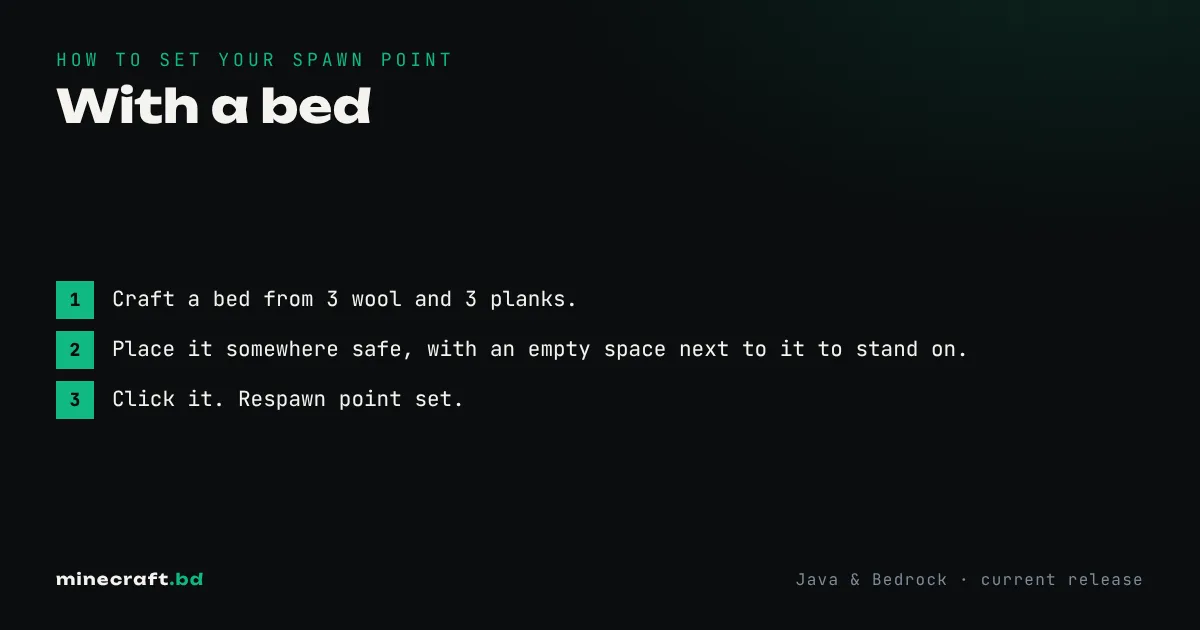
Place a bed and click it. That’s it: you’ll see “Respawn point set” and from then on you come back to that bed when you die. It works at any time of day. You don’t need to wait for night or actually sleep, as long as no monsters are close enough to interrupt.
With cheats on, /spawnpoint sets it to wherever you’re standing, and /setworldspawn moves the spawn for the whole world.
Your spawn vs the world spawn
There are two different points:
- Your respawn point is personal. A bed, a respawn anchor or
/spawnpointsets it. - World spawn is where new players first appear and where anyone without a valid respawn point ends up. Only
/setworldspawn(or a server setting) moves it.
Most “how do I set spawn” questions are about the first one.
With a bed
- Craft a bed from 3 wool and 3 planks.
- Place it somewhere safe, with an empty space next to it to stand on.
- Click it. Respawn point set.
If you later click a different bed, that one becomes your spawn. If the bed is broken or something blocks every space around it, you respawn at world spawn instead and see a “no home bed” message. Replace a broken bed in the same spot and it works again.
Set a bed near any long-term project before you start; it’s one of our core survival tips.
In the Nether: respawn anchors
Beds explode in the Nether and the End, with more power than TNT. To respawn in the Nether, use a respawn anchor:
- Craft it from 6 crying obsidian and 3 glowstone blocks.
- Place it in the Nether and charge it by using glowstone blocks on it (up to 4 charges).
- Click it with an empty hand or any other item to set your spawn.
Each respawn uses one charge. When it’s empty, you go back to world spawn, so top it up. Using an anchor in the Overworld or End makes it explode.
With commands
| Command | What it does |
|---|---|
/spawnpoint |
Sets your respawn point where you stand |
/spawnpoint <player> <x> <y> <z> |
Sets another player’s respawn point at coordinates |
/setworldspawn |
Moves world spawn to where you stand |
/setworldspawn <x> <y> <z> |
Moves world spawn to coordinates |
Both commands exist in Java and Bedrock with the same basic syntax. In Java, world spawn also has a spawn radius, so players appear somewhere near the point, not exactly on it. Server owners usually set world spawn on a hub or lobby; see how to make a server. For every other command, there’s the full command list, and if you just want to get back to your base without dying, use the teleport command.
More guides are on the guides hub.
Common questions
Do I have to sleep in the bed to set my spawn?
No. Clicking the bed at any time sets your spawn and shows the message Respawn point set. Sleeping isn't required.
Why did I respawn at world spawn instead of my bed?
The bed was broken or blocked. If the bed is missing or there is no safe space beside it, the game sends you to world spawn.
Can I set my spawn in the Nether?
Yes, with a respawn anchor charged with glowstone. A bed used in the Nether or the End explodes instead.
Sources & verification
Facts on this page are checked against these references and in-game behavior for the stated edition(s). how we verify.
Keep reading