How to Export Minecraft Worlds on Bedrock as .mcworld Files
Open the world's settings, scroll down and choose Export World to get a .mcworld file. Steps for phones and Windows, importing, and console worlds.
Open the world list, select the pencil icon next to the world, scroll to the bottom of the Game settings and choose Export World. Minecraft packs the whole world into a single .mcworld file and asks where to save or share it. That works on Android, iPhone and iPad, Windows, Chromebook and Fire tablets. Consoles don’t have the button; move console worlds through Realms instead.
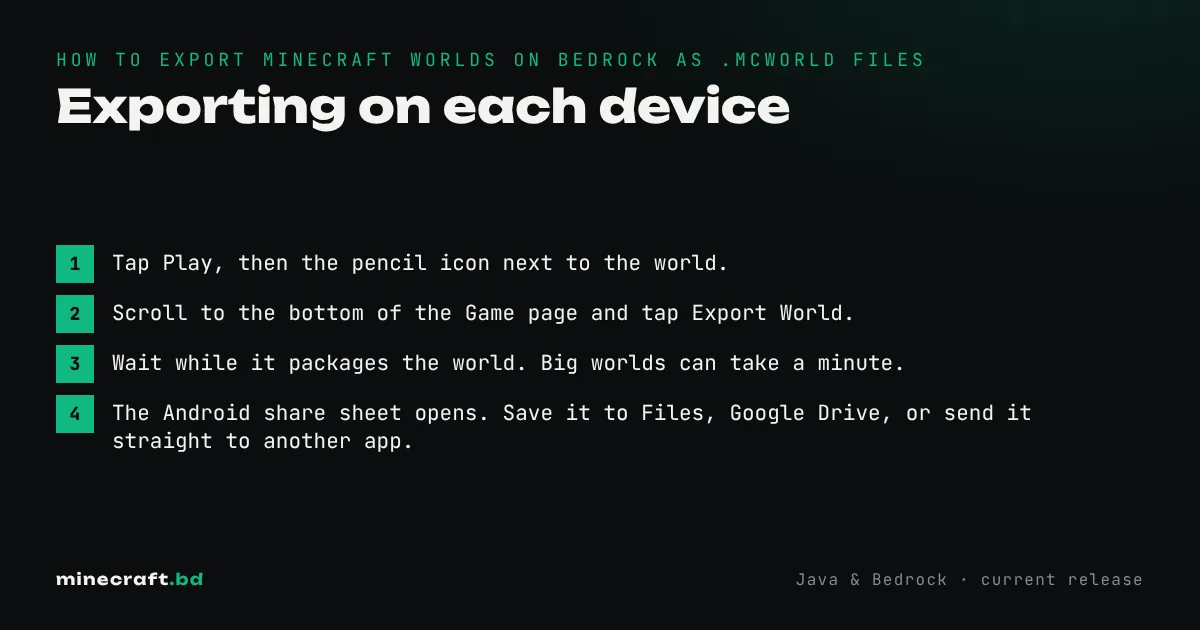
Exporting on each device
Android, Chromebook and Fire tablets
- Tap Play, then the pencil icon next to the world.
- Scroll to the bottom of the Game page and tap Export World.
- Wait while it packages the world. Big worlds can take a minute.
- The Android share sheet opens. Save it to Files, Google Drive, or send it straight to another app.
If the share sheet doesn’t open, check that Minecraft has permission to access files, and that your phone has enough free space for a copy of the world.
iPhone and iPad
The steps are the same. When the export finishes, the iOS share sheet appears; choose Save to Files to keep it on the device or in iCloud Drive, or AirDrop it to another device.
Windows
Export World opens a normal save window. Pick a folder and Minecraft writes <World name>.mcworld there. This is the easiest way to back up a world before updating Minecraft or trying risky add-ons.
If you’d rather copy the raw folders, since version 1.21.120 Windows keeps worlds in %appdata%\Minecraft Bedrock\Users\<your ID>\games\com.mojang\minecraftWorlds. Each world folder has a random-looking name; open levelname.txt inside to see which world it is. Bedrock 26.40 also added cloud backup and sync for Windows worlds, but an exported file is still the backup you can hold in your hand.
Xbox, PlayStation and Switch
There’s no Export World option on consoles. To get a world off a console:
- Subscribe to Realms. One month is enough for the move.
- In the Realm’s settings, use Replace World and upload your console world to it.
- On the other device, open the Realm’s settings and download the world.
- On a phone or PC, you can then export the downloaded copy as a .mcworld file.
This also works in reverse, to put a phone or PC world onto a console.
Importing a .mcworld file
On the receiving device:
- Windows: double-click the file. Minecraft opens and shows “Import started” then “Successfully imported”.
- Android: tap the file in your file manager or Drive and open it with Minecraft.
- iPhone and iPad: tap the file in Files and share it to Minecraft.
The world appears at the top of your world list. Importing never overwrites an existing world, so you can import the same file twice to get two copies.
A .mcworld file is a renamed ZIP archive. If an import fails, rename it to .zip and look inside: you should see level.dat, levelname.txt and a db folder at the top level. If they’re nested inside another folder, the import won’t work.
Common reasons to export
- Backups. Phones get lost and reinstalling the app can wipe local worlds. Export your important worlds now and then and keep the files in cloud storage.
- Moving to a new phone or tablet. Export, send, import.
- Running the world on a server. To host a world on a Bedrock Dedicated Server, unzip the .mcworld file into the server’s
worldsfolder and setlevel-nameinserver.propertiesto match. Our server guide covers the rest. - Sharing a build. Friends can import it and look around in their own copy.
What doesn’t carry over
- Marketplace worlds can’t be exported. The button is missing or disabled for content you bought, and it only works for your own worlds.
- Java Edition can’t open .mcworld files. The Bedrock guide explains the main differences between the two editions.
- Achievements are tied to the account, not the world. An imported world keeps its “achievements disabled” status if cheats were ever turned on.
Common questions
Where is the Export World button in Minecraft Bedrock?
On the world list, select the pencil icon next to the world, then scroll to the very bottom of the Game settings page. Export World is the last button there.
Can you export worlds on Xbox, PlayStation or Switch?
Not as a file. Consoles don't have a file system you can save to. Upload the world to a Realm from the console, then download it from the Realm on the other device.
How do I open a .mcworld file?
Open it with Minecraft. On Windows double-click it, on Android or iOS tap it and choose Minecraft. The game imports it and it appears in your world list.
Can I move a Bedrock world to Java Edition?
Not with Export World. The .mcworld format only works in Bedrock. Converting to Java needs a third-party converter, and some blocks and redstone may not survive the trip.
Sources & verification
Facts on this page are checked against these references and in-game behavior for the stated edition(s). how we verify.
Keep reading