How to Download Minecraft on Xbox One and Series X|S
Install Minecraft on Xbox One or Series X|S, whether Game Pass covers it, which subscription online play needs, and how cross-play works with your account.
On Xbox, Minecraft is the Bedrock Edition from the Microsoft Store. Buy it once and it installs on Xbox One, Series X and Series S, or play it through Game Pass while your subscription lasts. You sign in with the same Microsoft account as your Xbox profile, so cross-play with phones, PlayStation, Switch and Windows works without extra setup.
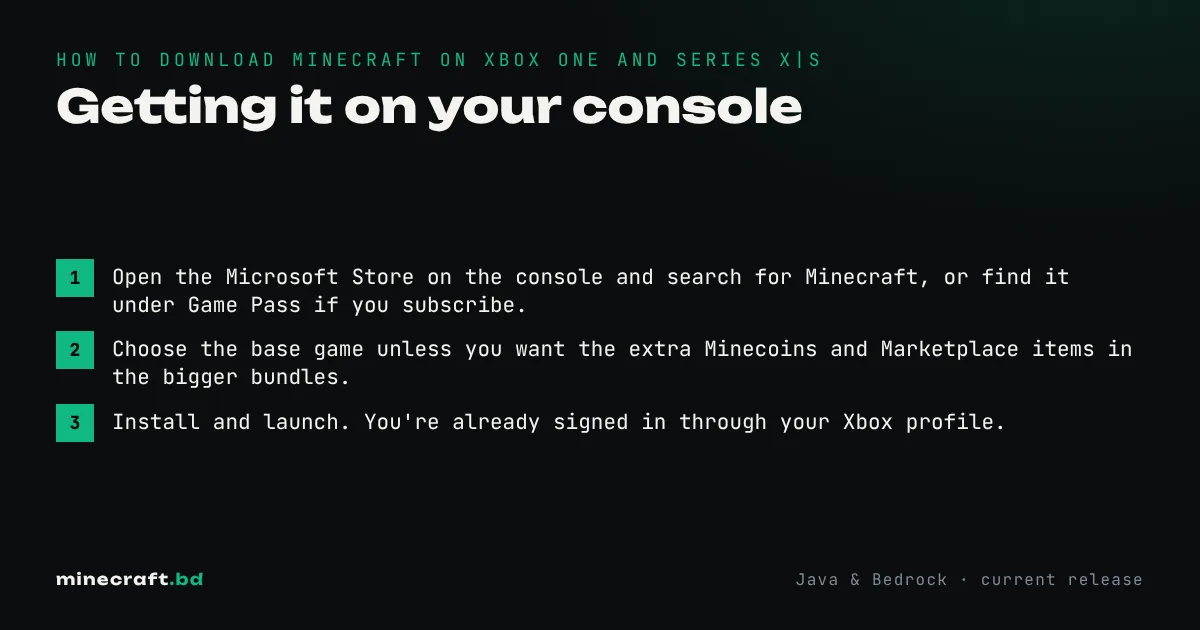
Getting it on your console
- Open the Microsoft Store on the console and search for Minecraft, or find it under Game Pass if you subscribe.
- Choose the base game unless you want the extra Minecoins and Marketplace items in the bigger bundles.
- Install and launch. You’re already signed in through your Xbox profile.
Bought it, but now you see a “buy” button again? The console is probably signed in with a different profile from the one that bought it. Switch profile, or set the console as your home Xbox so other profiles on it can play.
Game Pass or buy it?
Game Pass makes sense if you already subscribe and play lots of other games. If Minecraft is the main thing you play, buying it is cheaper over a year or two, and you keep it. Microsoft has reshuffled its Game Pass tiers more than once, so check which tier currently lists Minecraft before subscribing for it. The PC tier is a separate question covered in how to download Minecraft on PC.
Online play and servers
Microsoft’s support page says online play on an Xbox console needs at least Xbox Game Pass Essential. With that you can join friends’ worlds, Minecraft Realms and the featured servers. Split-screen for up to four players on one TV doesn’t need a subscription.
The Servers tab lists Mojang’s featured partner servers, such as The Hive and CubeCraft. Unlike PC and mobile, Xbox doesn’t have a built-in way to add any server by address. Our joining a Minecraft server guide explains what works on console and what doesn’t.
Performance
Series X runs Minecraft at higher resolution with longer render distance than Xbox One, and loads worlds much faster. The worlds themselves are identical; uploading one to a Realm is the simplest way to move it to another console. Bedrock-specific mechanics are covered in the Bedrock Edition guide.
Common questions
Is Minecraft free with Game Pass?
Minecraft has been part of the Game Pass catalog, but you only have access while your subscription is active. If it lapses, you have to buy the game to keep playing.
Do I need a subscription to play Minecraft online on Xbox?
Yes. Microsoft's Xbox support page says online play on an Xbox console needs at least Xbox Game Pass Essential. Single-player and split-screen are free.
Does the Xbox version work on Xbox One and Series X|S?
Yes. It's the same Bedrock game on both, and buying it digitally lets you install it on either console.
Sources & verification
Facts on this page are checked against these references and in-game behavior for the stated edition(s). how we verify.
Keep reading